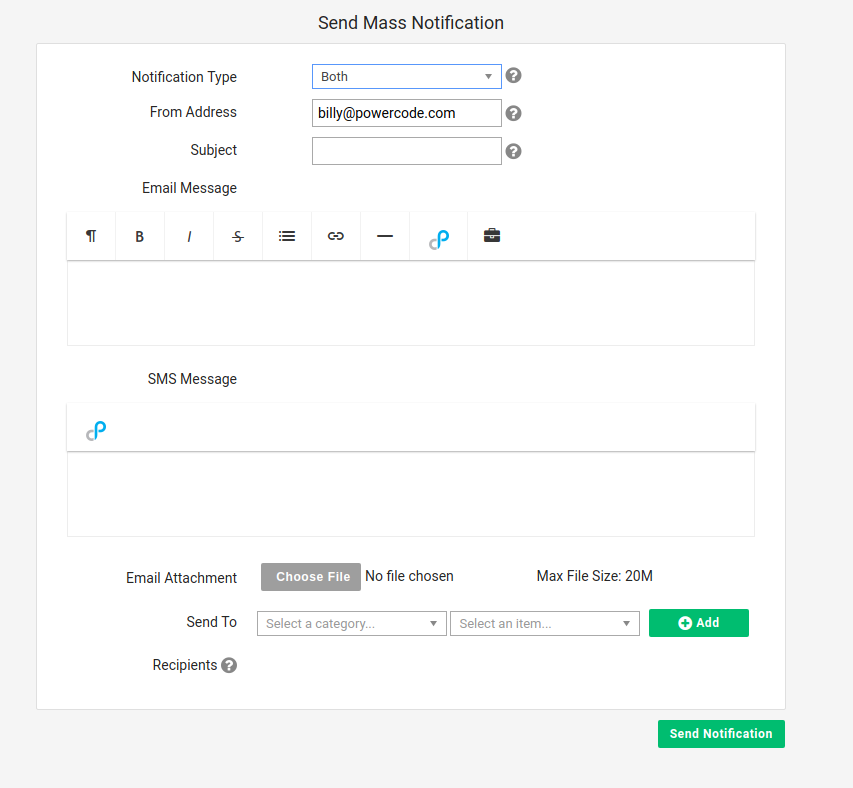
Basic Twilio Setup Send mass SMS is now available in Powercode along side mass emails (Accounts > Communication > Send Mass Notification). Under the Notification Type drop down, you can select between Email, SMS, or Both. 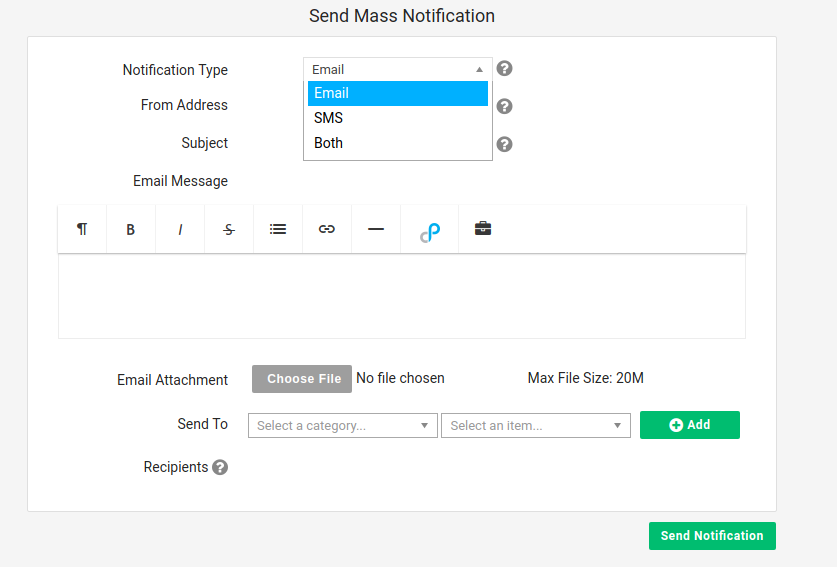 There is a different input box for SMS message to allow a different message for SMS from your Email notification.
  Once sent, there is now a notification stating how many emails and sms were sent.
Text messages go to contacts who have Customer SMS Opt In turned on and a mobile phone number. See Twilio Customer Opt-In/Opt-Out.
For choosing recipients, sending to archived customers and uploading a list of customer IDs, see Send Mass Notification.