¶ Authorization
API keys are created at Config > API Management. See Powercode API.
- Basic Auth
- Uses admin portal username and password.
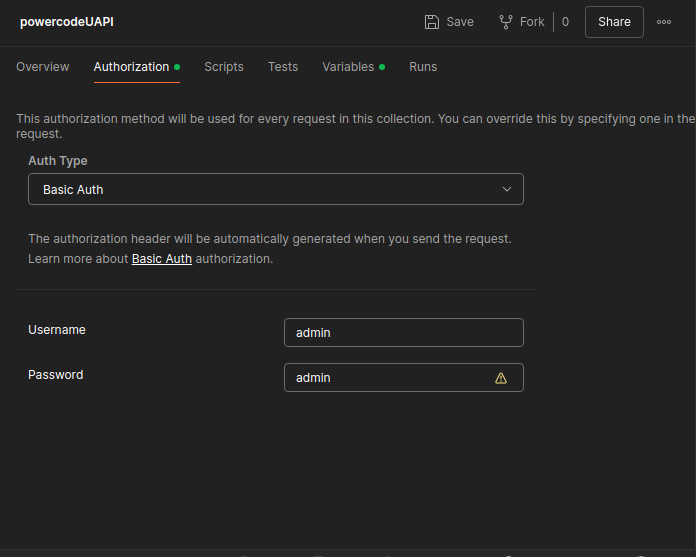
- Uses admin portal username and password.
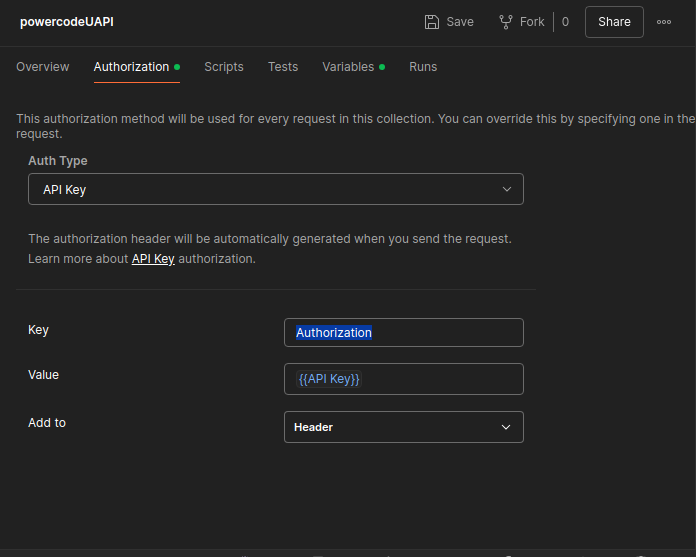
- API Key
- Use as a parameter _key with the API key as the value.
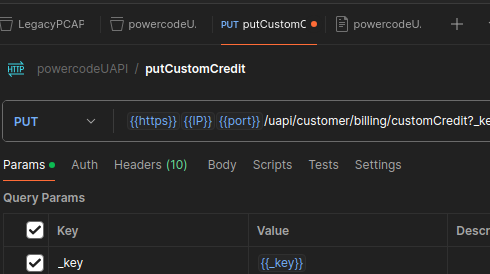
- Base 64 encode the API key and use it in the header.
- Use as a parameter _key with the API key as the value.
¶ URL
- https://yourdomain.com:444/uapi/
- Example API: add a custom credit to a customer's account
- Type: POST
- URL: https://yourdomain.com:444/uapi/customer/billing/credit
- Params:
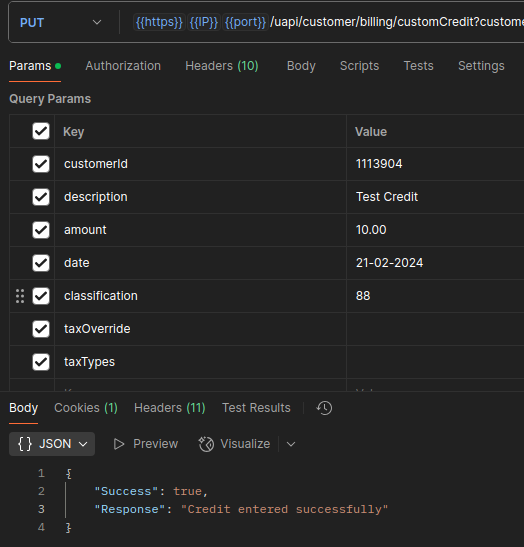
The screenshots show an older version of this call (PUT to
customCredit). Use POST and the URL above.
Example request, using a Base 64 encoded API key in the header:
curl --location --request POST 'https://yourdomain.com:444/uapi/customer/billing/credit?customerId=123&description=Test%20Credit&amount=10.00&date=21-02-2024&classification=8&taxOverride=0&taxTypes=' \
--header 'Authorization: Basic <base64-encoded API key>'
Replace 123 with the customer's ID and <base64-encoded API key> with your own Base 64 encoded API key. Every parameter in the example must be sent, even when it is blank. The date is written day-month-year.
¶ API documentation
Every API call, with its parameters, is listed in the REST API documentation that comes with Powercode. Open it from Help > REST API Docs, or go to https://yourdomain.com:444/docs/.