¶ Third Party -> Trango NIDs
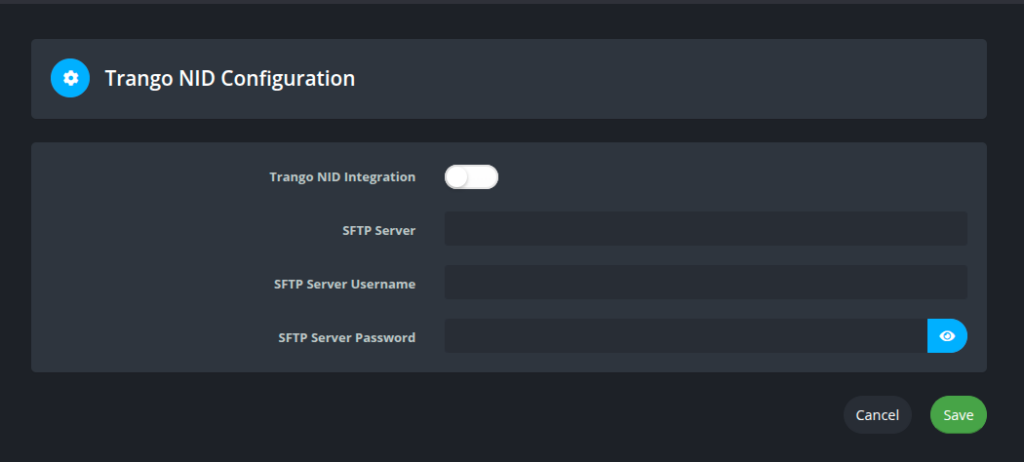
Enter the STFP server that Powercode should sync with.
Powercode will sync the configuration files for the NIDs to the /home/ directory of that server.
¶ Network -> Auto Provisioning Files
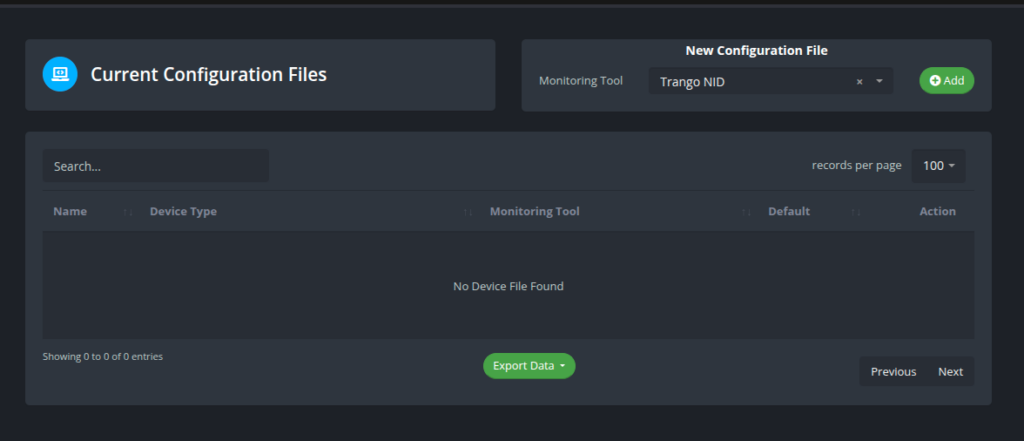
Add a new config file with the Trango NID monitoring tool.
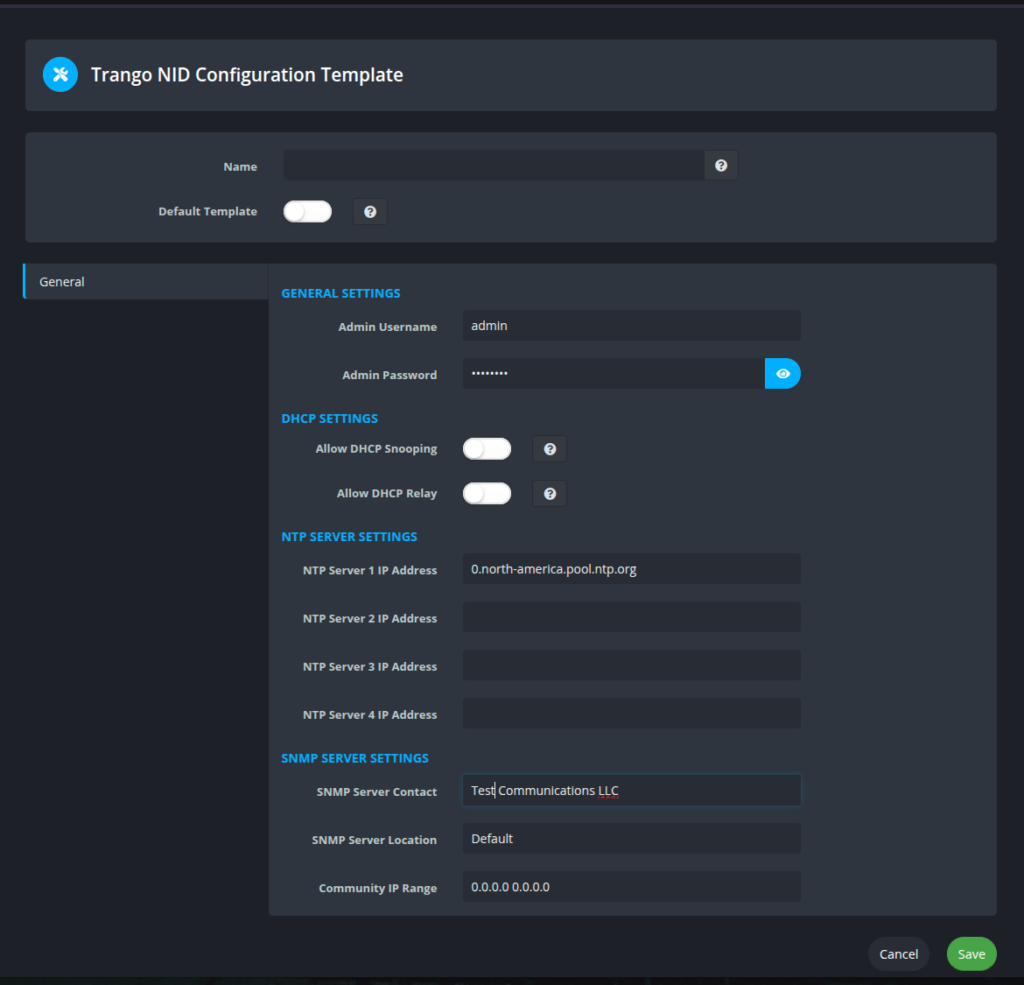
Fill in the settings accordingly.
¶ Device Type -> Add Device Type
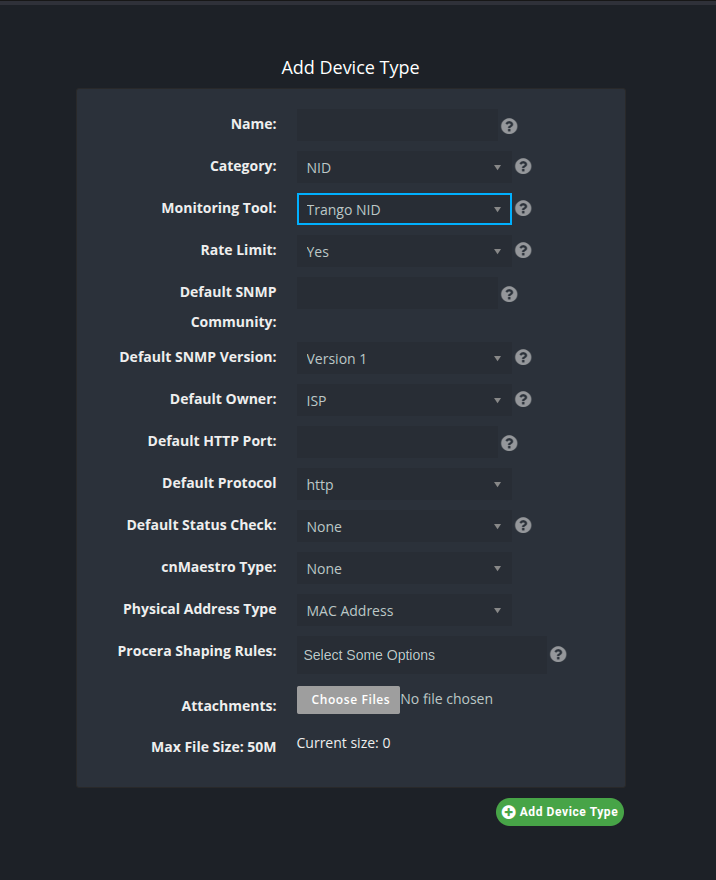
Create a new device type with the Trango NID monitoring tool.
¶ Create NID
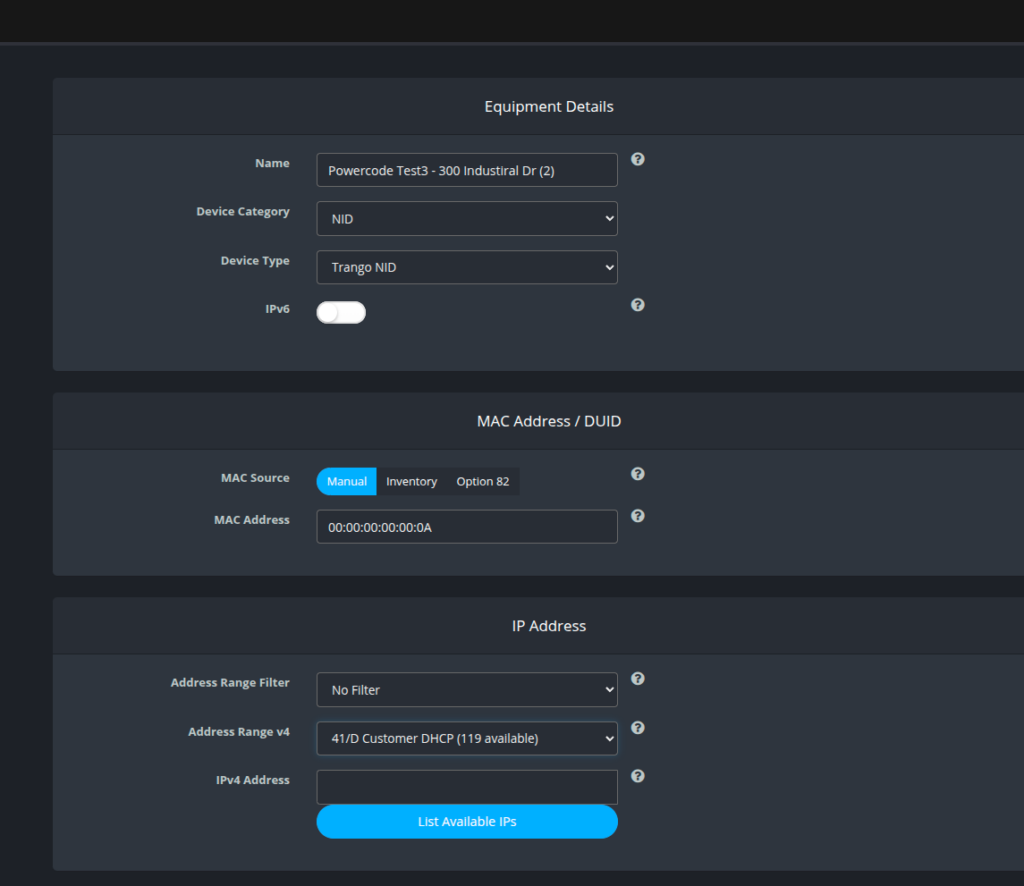
Create Equipment.
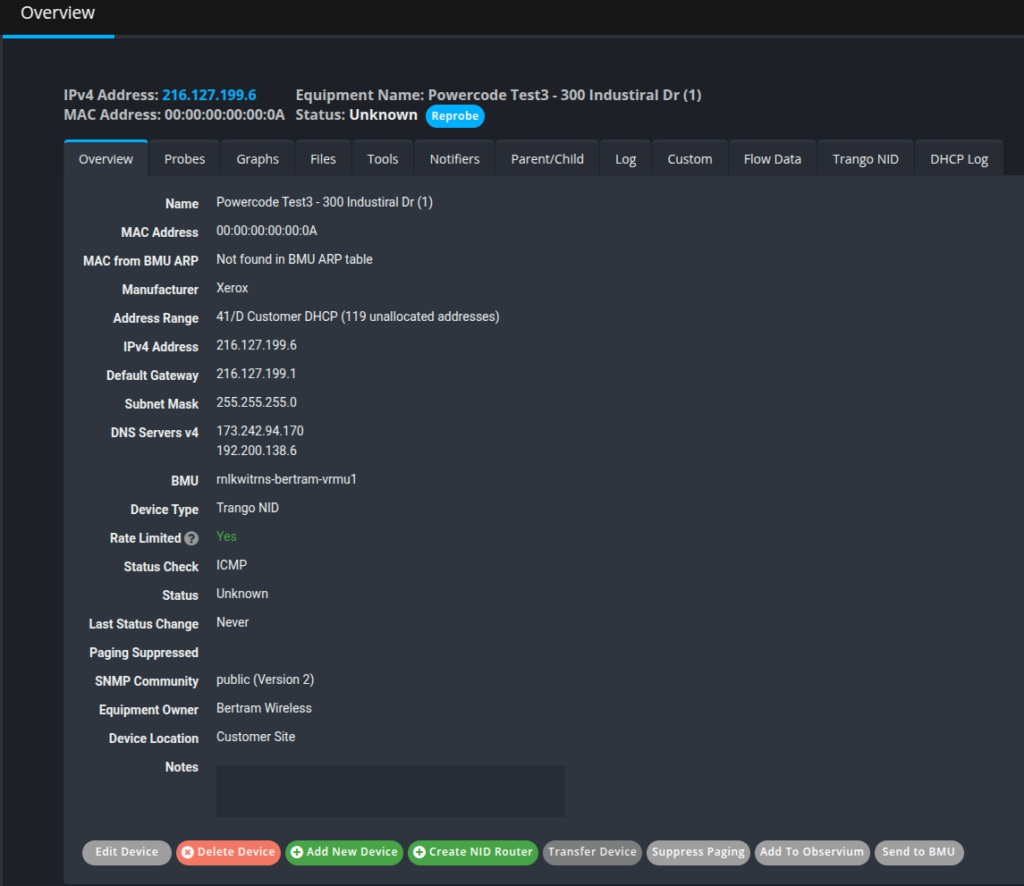
Equipment created.
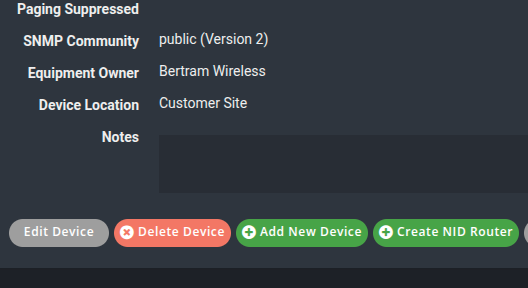
New option to create router for the NID device.
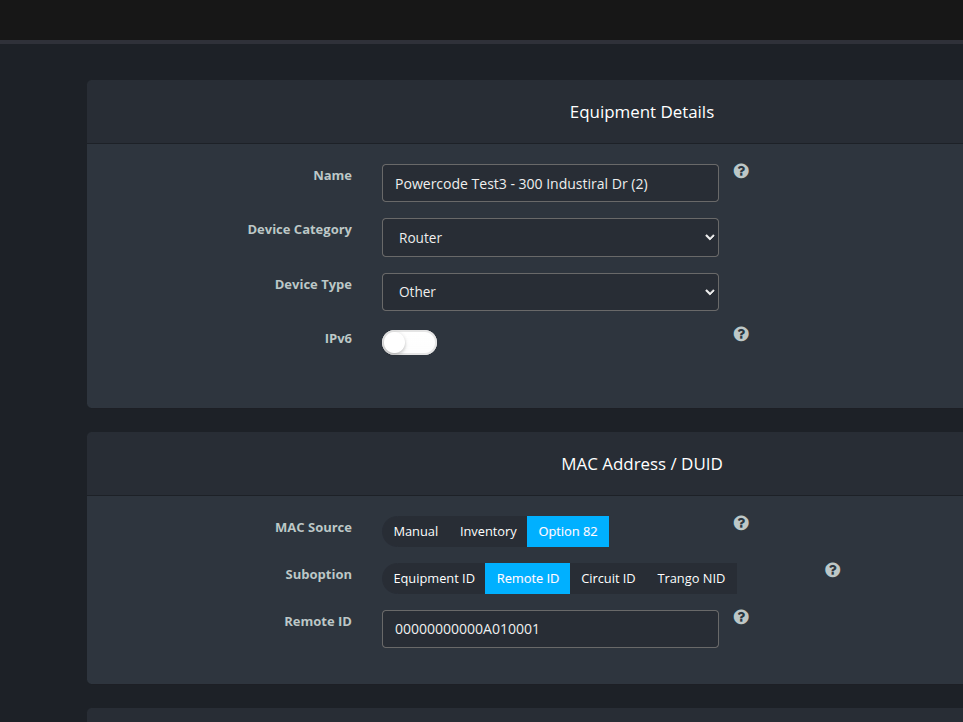
Create NID router populates the MAC + 010001 for the remote ID.
¶ Software Updates, Restarts and Health
Requires Powercode build 26.10.05 or later.
Once your NIDs are set up, use Trango Maintenance to keep their software up to date. From there you can upload NID software, update NIDs one at a time, by network site or automatically each day, and restart them.
Each NID's own page also has:
- Firmware and Restart buttons on its Trango NID tab, which open the same update and restart dialogs as Trango Maintenance.
- A Health tab showing the switch port the NID is plugged into: link status, optical power, errors and stability.
See Trango Maintenance for details, permissions and troubleshooting.